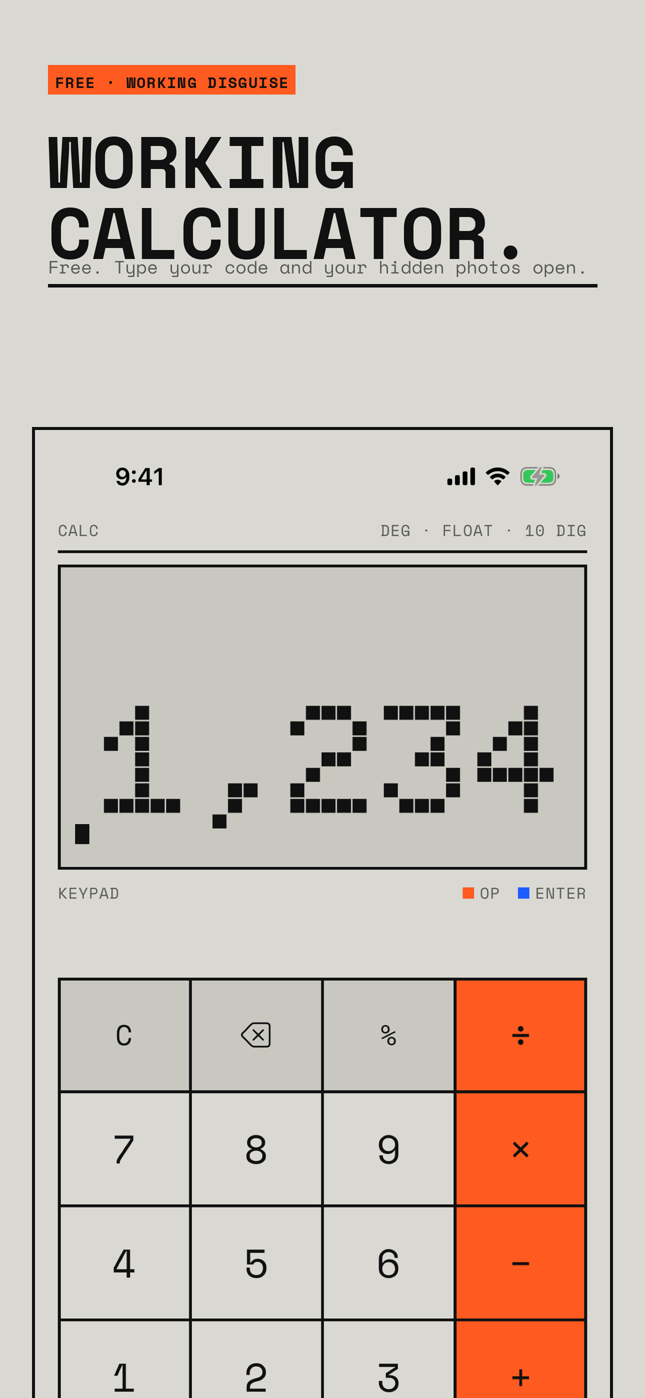
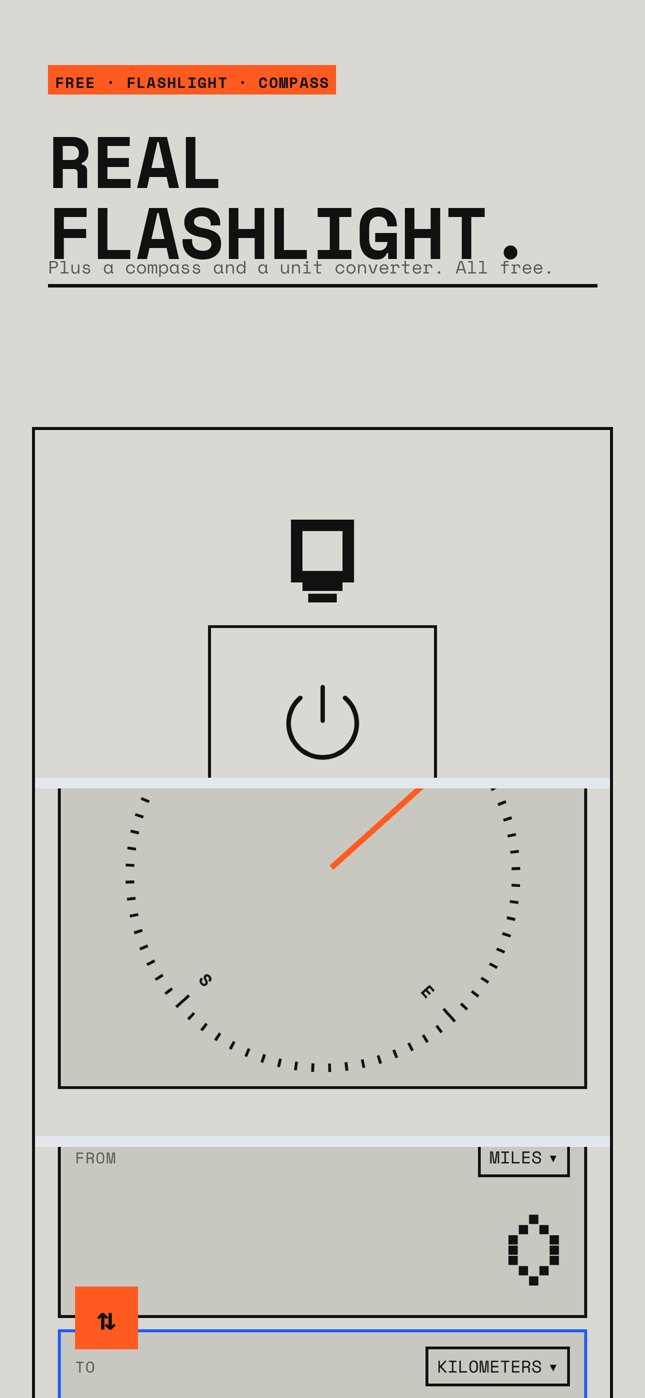
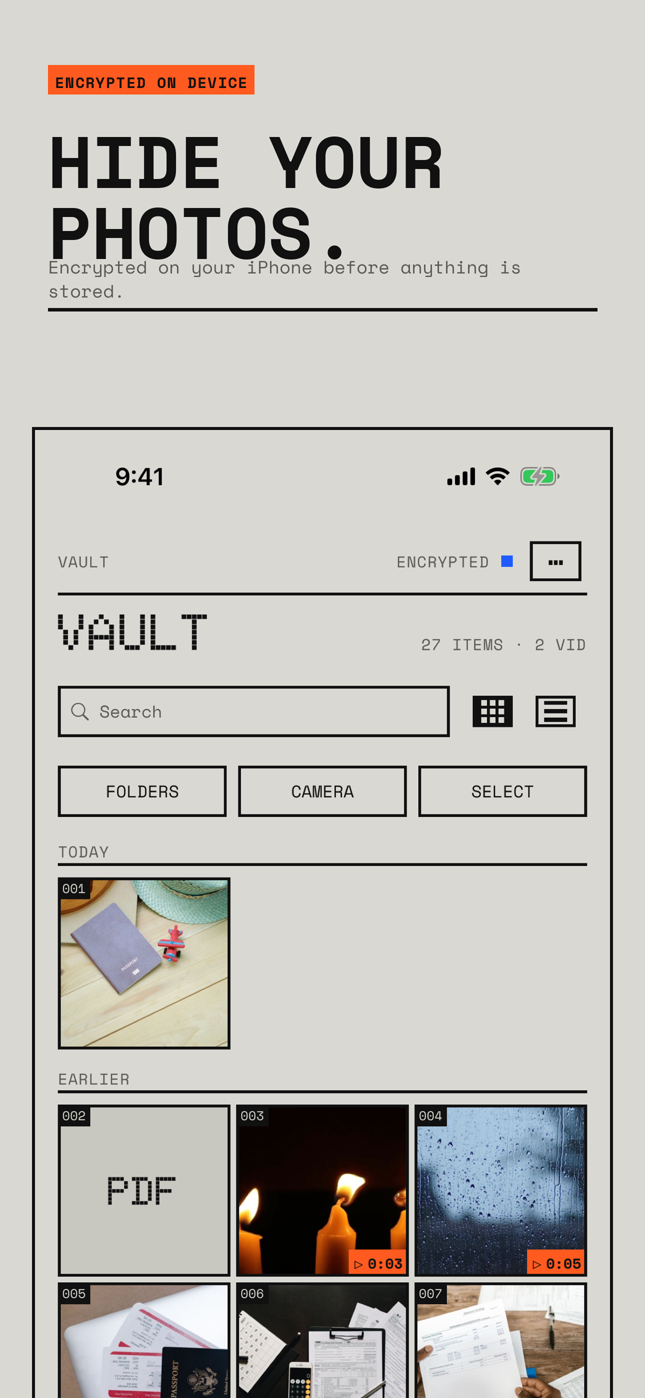
Utility Kit is a hidden photo vault disguised as a working calculator, flashlight, compass or unit converter, all with a retro LCD look. Type your code and it opens your private vault: photos, videos and files, encrypted on your iPhone.
Passport scans, tax papers, the ring you have not given yet, pictures you would rather keep off the camera roll. Draw a pattern, and each pattern opens its own vault.
No account, no ads, no analytics. Free for 2 vaults, 50 photos and files, and 5 videos. Pro (unlimited vaults, photos and videos, duress mode, sharing, device sync) is one payment of $27.99 or $3.99 a month.
Download on the App Store
The app opens as a calculator that really calculates. Type your code and press equals to reach the pattern screen. Prefer another tool? The flashlight, compass and unit converter all work too, and all four disguises are free. Pick any home-screen icon from 13 utility icons.
Passport and ID scans, tax papers, medical records, surprise gifts and trip plans, and personal photos and videos. Anything you would rather not leave next to your lunch photos.
Backup is free and on by default. Only encrypted files go to your iCloud Drive, and the app test-restores a sample after every backup so you can see it was verified.
Free: 2 vaults, 50 items (photos and files together), 5 videos, pattern unlock, recovery phrase, encrypted iCloud backup, secure camera, all icons and all four working disguises.
Pro: unlimited vaults, photos and videos, duress mode, sharing and device sync. $27.99 once, or $3.99 a month, or $13.99 a year.
I forgot my pattern.
Use that vault's 12-word recovery phrase from the unlock screen. Each vault has its own phrase. If you have lost both the pattern and the phrase, the data cannot be recovered by anyone, including us. That is how the encryption works.
How do I get into the vault when a disguise is on?
All four disguises (calculator, flashlight, compass, unit converter) are free. Settings → Disguise shows a short reminder of your secret entry for the disguise you picked. The fallback gesture to the pattern screen is explained during setup.
How does backup work?
Backup is on by default and free. The app writes encrypted files to your own iCloud Drive and test-restores a sample after each backup. Settings shows when it was last verified. To restore on a new phone, install the app, enter your pattern or recovery phrase, and choose Restore.
Is the sharing limit unbreakable?
No. Shared vaults and folders are encrypted files opened with a share phrase. The open count, expiry date and no-export option are enforced by the app, not by the encryption, so share only with people you trust.
I deleted the originals from Photos. Are they gone?
iOS keeps deleted photos in Recently Deleted for 30 days. Open Photos → Albums → Recently Deleted to remove them sooner.
Subscription, restore and cancel.
Pro is a monthly or yearly subscription, or a one-time lifetime purchase. Use Restore Purchases on the paywall or in Settings. Cancel a subscription in iOS Settings → your name → Subscriptions. If you go over the free limits after canceling, your files stay openable and exportable; you just cannot add more. Free is 2 vaults, 50 items (photos and files together) and 5 videos.
Email [email protected]. Include your iPhone model, iOS version and what happened. Please never send your pattern or recovery phrase. We cannot recover a vault without them.